How to spot hidden bank fees on your statement

Most account balances look fine at a glance. The problem is rarely one large withdrawal — it is the steady drip of small charges: maintenance fees, subscription renewals, FX markups and add-ons that are easy to miss when you only check the total.
This guide explains how those charges hide in plain sight, where they usually appear, and how to run a simple statement review you can repeat every month. No login, bank connection or data upload is required on this page.
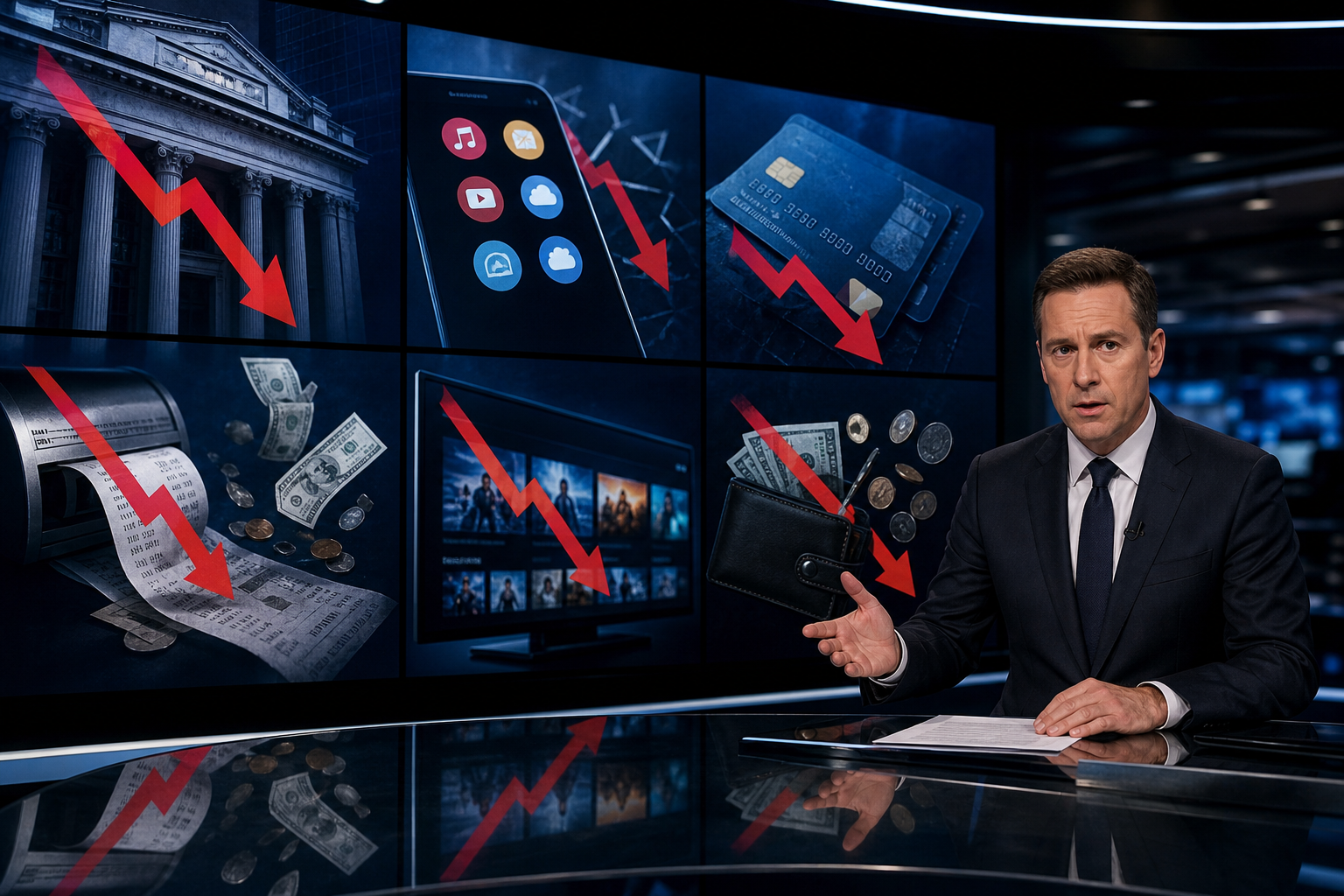
Why small fees are easy to overlook
Banking apps have become cleaner, but statements have become denser. Merchants rename recurring charges to look familiar, trial periods convert quietly, and optional extras are bundled into onboarding flows that feel like setup steps rather than purchases.
Three patterns show up again and again: maintenance or premium packages added by default, subscriptions that survive after a free trial, and foreign-exchange markups hidden inside “no fee abroad” marketing. Each charge may be small on its own. Together they add up fast.

A simple statement review checklist
Before opening your banking app, try naming every recurring charge from memory. Then compare your list to the real statement. The gap between memory and reality is usually where the leaks are.
- Account maintenance and premium banking packages
- Streaming, cloud storage and app subscriptions
- Free trials that renewed automatically
- Travel insurance or protection add-ons
- Foreign exchange charges on card payments abroad
- Merchants you do not recognise by name
For each line item, ask a simple question: would I consciously pay for this again today at the same price? If the answer is no, cancel it in the merchant or bank portal and verify the next billing cycle.

Where money usually leaks
Bank packages and recommended extras
Open your bank’s product page, not just the balance screen. Disable paid alerts, paper statements, unused card tiers and insurance you never claimed. If it was enabled by default, treat it as a product — not a free benefit.
Subscriptions that outlived the trial
Search your email for “trial”, “renewal” and “receipt”, then cross-check against last month’s statement. Cancel through the merchant’s portal and confirm the next cycle does not bill again.
Travel and FX charges that look free
Compare the rate you paid with the mid-market exchange rate. If the gap is large, consider a card with lower foreign-exchange costs and avoid dynamic currency conversion at payment terminals when travelling.

Make it a monthly habit
You do not need a complex spreadsheet to stop unnecessary outflows. One honest pass through your statement each month is enough to catch most recurring charges you no longer use or want.
Set a calendar reminder, keep a short list of active subscriptions, and repeat the review after any new card, trial or travel period. Small cancellations compound over the year.
Next steps
Once you have reviewed your statement, these free resources can help you understand banking fees, compare lower-cost options and manage recurring charges more easily.
Disclaimer: This content is for general information only and does not constitute financial advice. Always verify fees and terms directly with your bank or card provider. Operated by PERFORMANCE TRAFFIC SOLUTIONS S.L.